
The conversation around AI in design tends to collapse into one of two extremes: it's either going to replace us all, or it's a gimmick not worth your time. I've landed somewhere in the middle — which is where most useful tools actually live.
 At one point at the beginning of my most recent forage into freelancing, I sat at my desk wondering how I could use AI and better leverage my work.
I use AI regularly in my creative workflow. Not to generate logos or spit out finished work, but as a thinking partner. A sounding board. A way to get unstuck faster so I can spend more time on the parts of the work that actually require me.
Here's how that looks in practice.
The Honest Take
What AI Is Actually Good For in a Design Context
It's worth being honest about this, because the hype tends to blur the lines.
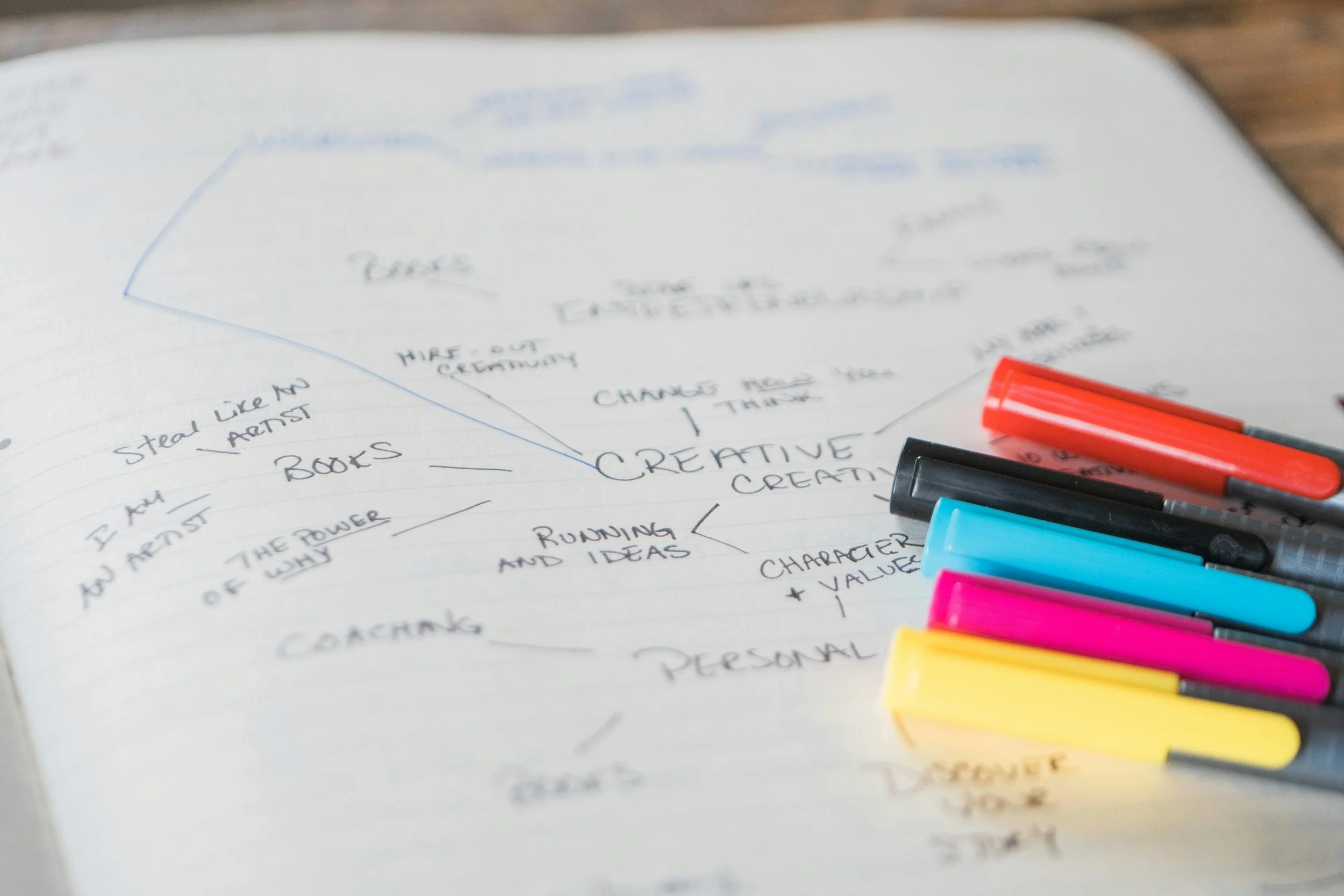 Taking copious amounts of notes
Generating and pressure-testing copy (headlines, taglines, naming directions) · Exploring creative territories quickly before committing · Summarizing research, competitor audits, or briefs · Getting unstuck at a blank artboard · Writing first drafts of case studies and proposals · Asking "dumb" questions about a client's industry without judgment
Your visual taste and judgment · The intuition built from years of looking at good work · Client relationships and reading the room · The strategic thinking that comes from understanding a brand · Final execution — the last 20% that makes something feel designed, not generated
Knowing the difference keeps you from either over-relying on it or dismissing it entirely.
The Mental Model
The Creative Director Mindset
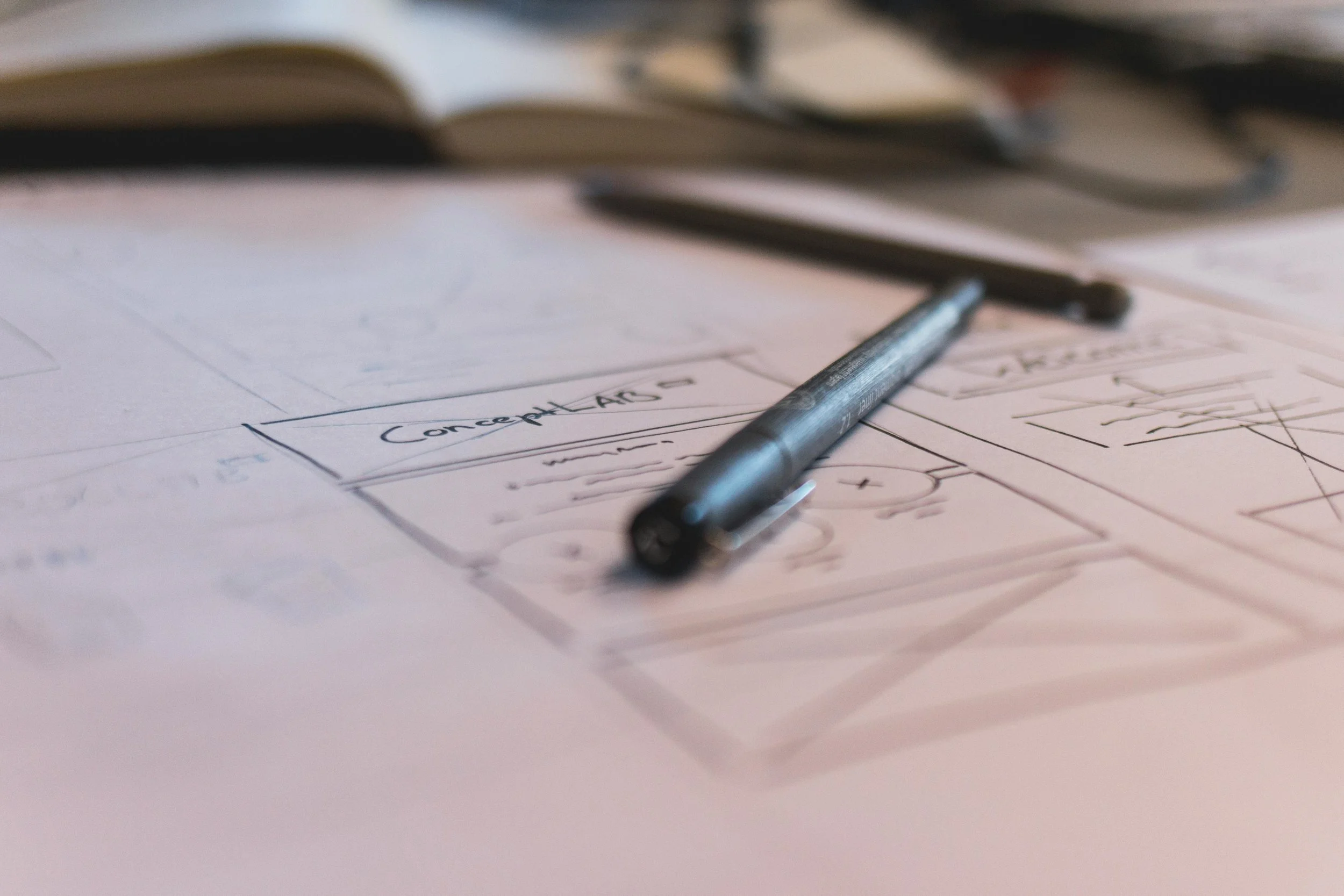 Reviewing design proofs and concepts
The most useful mental model I've found: you are the creative director, AI is a fast junior. It can draft quickly, generate options, and do research — but it needs direction, and it needs you to edit with a real point of view.
The quality of what you get out is directly tied to the quality of what you put in. Vague prompts get vague outputs. Specific, context-rich prompts get genuinely useful starting points.
When I'm kicking off a new brand project, I might ask AI to generate 20 naming directions across different territories, write three different brand voice descriptions, or summarize what the top five competitors are communicating and where the whitespace might be. None of that is the work. It's scaffolding that helps me get to the work faster.
Getting Started
Practical Entry Points If You're Just Starting
Most designers I know either outsource copy entirely or grind through it reluctantly. AI can give you a solid working draft in minutes. You'll still need to edit it — heavily, often — but starting from something is infinitely better than starting from nothing.
"Here's the brand I'm building. What are the weaknesses in this positioning?" or "What audiences might this logo alienate?" can surface blind spots before a client call surfaces them for you.
Not to generate a solution, but to generate options. Ask for ten different ways to approach a layout problem, a color story, a visual metaphor. You probably won't use any of them directly — but one might spark the thing you actually do.
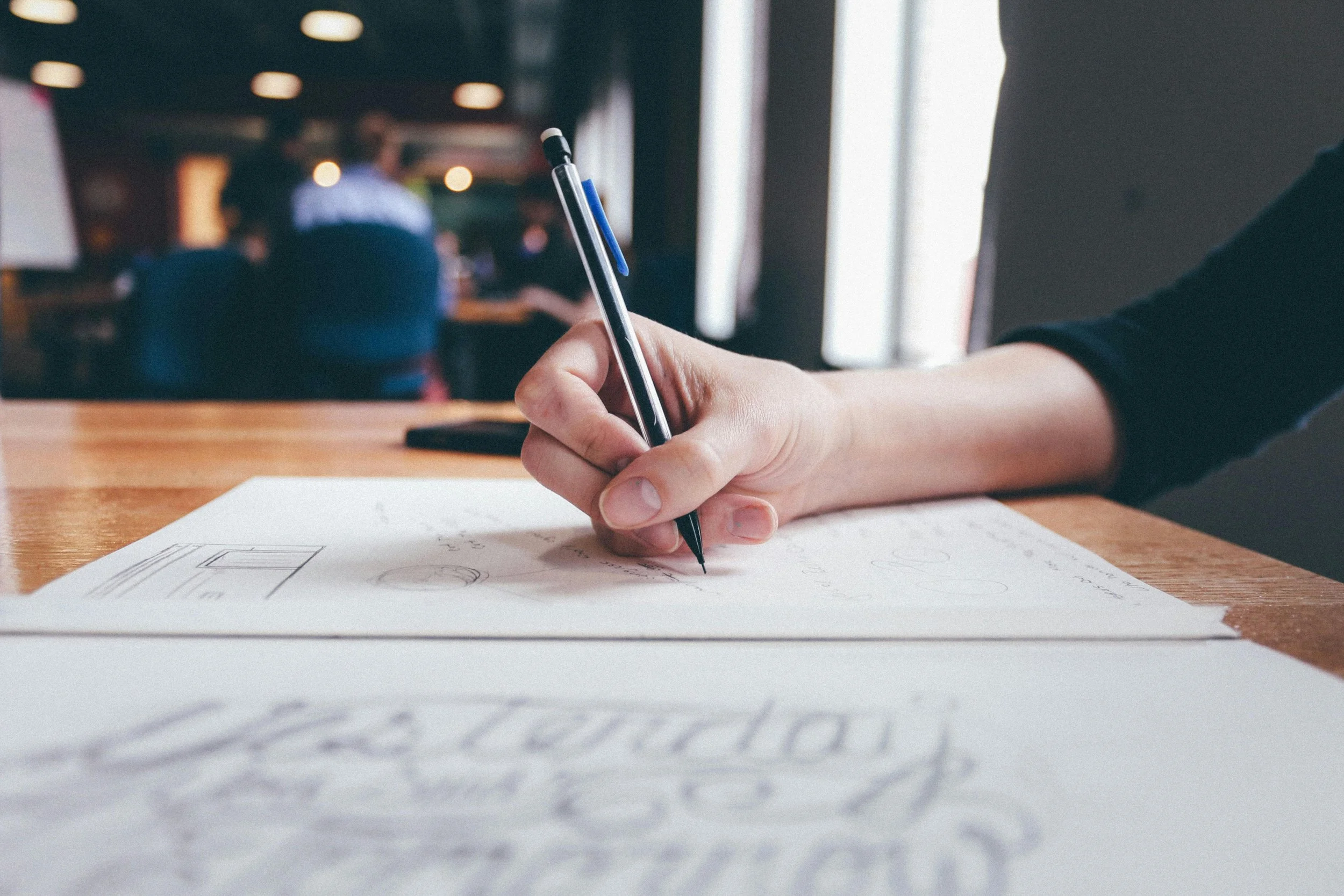 Hand sketching is still an important part of design.
Case studies, portfolio descriptions, social captions — these are time-consuming and often get deprioritized. AI can draft them while you focus on the design. This is honestly where I've gotten the most time back.
The Human Part
What I Still Do Myself
 I love carrying around sketchbooks to jot down ideas.
Everything that requires taste.
The final logo. The typography pairing. The decision about what to cut. The moment when a presentation either lands or doesn't. These aren't things I hand off — they're the reason clients hire me instead of running a prompt themselves.
AI is fast. It's tireless. It has no ego about its ideas being rejected. Those are genuinely useful qualities. But it doesn't have a point of view, and design — real design — requires one.
The Bottom Line
Start Now, Not When You're Ready
If you're a designer who hasn't experimented with AI tools yet, now is a good time to start — not because you're behind, but because the designers who understand both what AI can and can't do are going to have an edge in how they work and how they communicate their value.
Use it to go faster on the parts that don't require your best thinking. Save your best thinking for the parts that do.
Questions about how I use AI in specific projects? I'm always happy to talk process — reach out or follow along here.
