
Somewhere in my attic storage, in a plastic storage box, in jewel cases, were a stack of 100mb and 250mb Zip discs (along with some floppy discs!) I burned in the late 1990s. And in a separate wooden box, some CD-Rs also burned in the 1990s. I knew they existed. I just hadn't thought about what was actually on them — until now.
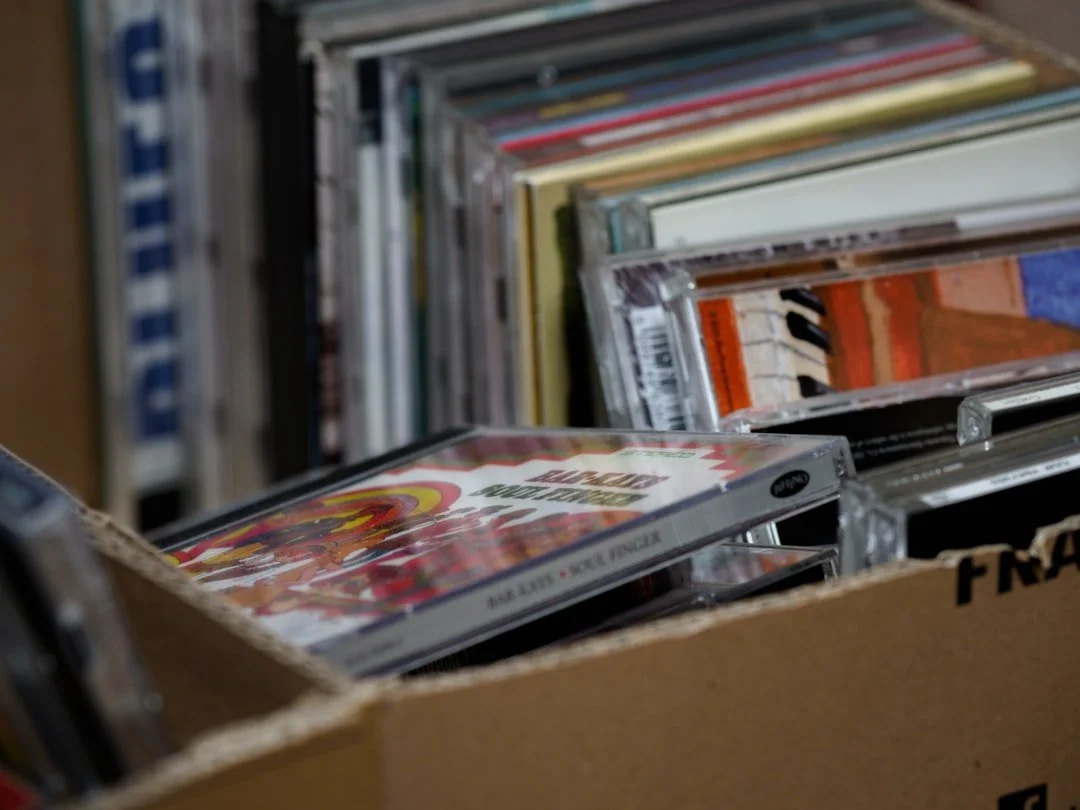 Look at all those CD-Rs, will they open?!
This is Part 1 of what I'm calling the Time Capsule series — a document of what I found, how I got it open, and what 1990s Meghan was actually making. It starts, as these things often do, with a hardware problem.
The Discovery
What Was in the Box
The CD-Rs were Verbatim discs — a good brand, stored properly, which matters more than you'd think. I could still see the data burn on each one, no scratches, no rainbow discoloration that would signal disc rot. Cautiously optimistic was the right read on that.
Alongside the CDs: a stack of Zip discs. Some 100MB, some 250MB. Also in cases. Also looking surprisingly healthy for media that's been sitting in a box for roughly 25 years.
And then, underneath everything: a spiral-bound, laminated-cover printed portfolio from my design school days. The physical kind you'd mail out or hand-deliver to studios. A combination of school projects and early professional work. I will say this about it: it is extremely of its era.
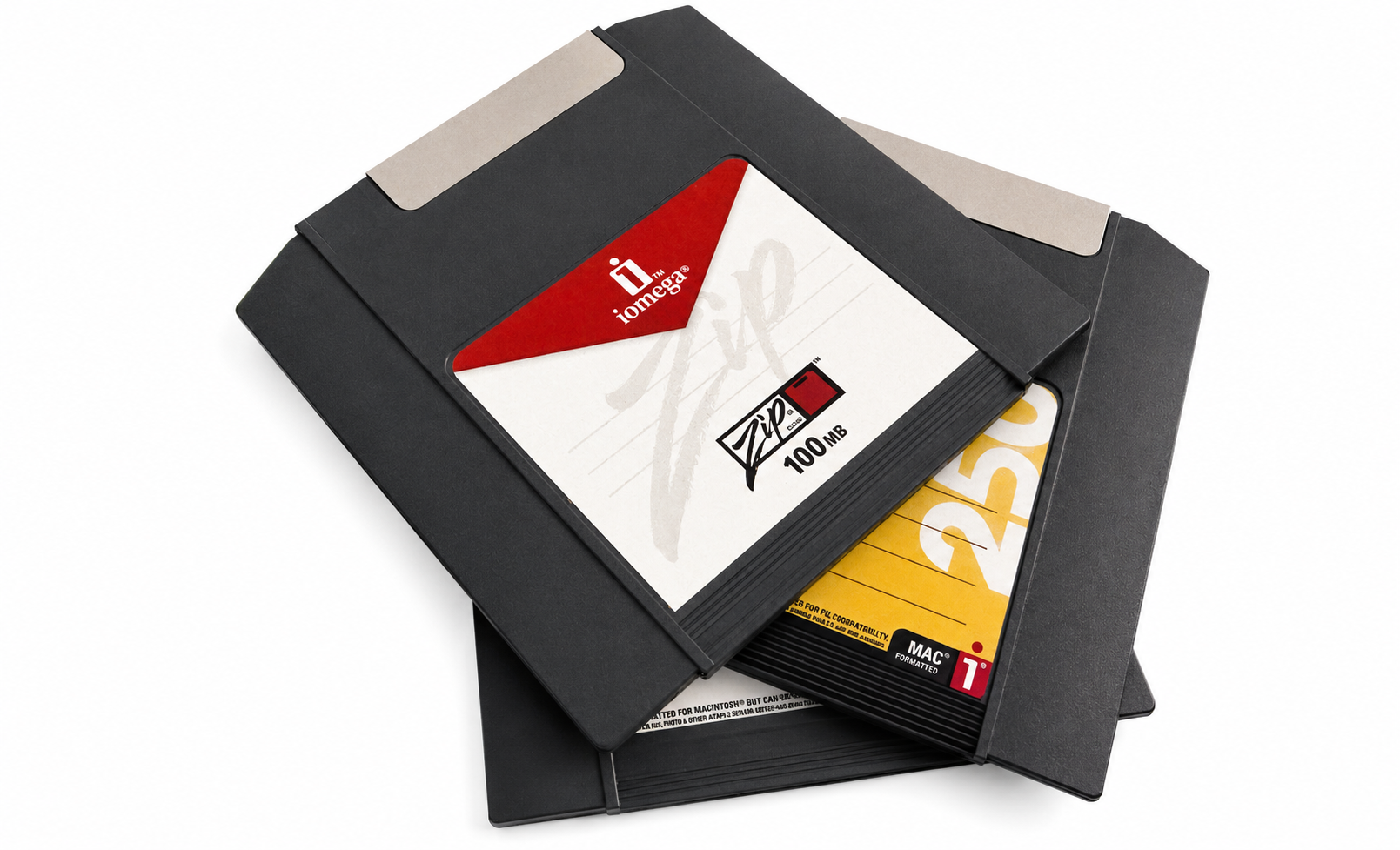 Some of the Zip Disks I found.
What's on the CDs specifically: my senior portfolio piece, built in Macromedia Director, and possibly a family project originally built in Apple Media Tool that I may have converted to Director before graduating. Two projects I made to show what I could do and never really looked at again.
The Hardware Problem
Nothing Wants to Talk to Anything
Getting 25-year-old media to open on modern hardware is, it turns out, its own project.
My newer iMac wouldn't mount the discs. My gaming PC doesn't have an optical drive — it's a fully digital machine. I thought a friend had returned our optical drive but couldn't find it in the house. I found the Zip discs but not the Zip drive. The old Mac I have — a G4 Quicksilver tower, which would be the ideal machine for all of this — is stored away and the state of the hard drive after years of sitting is an unknown.
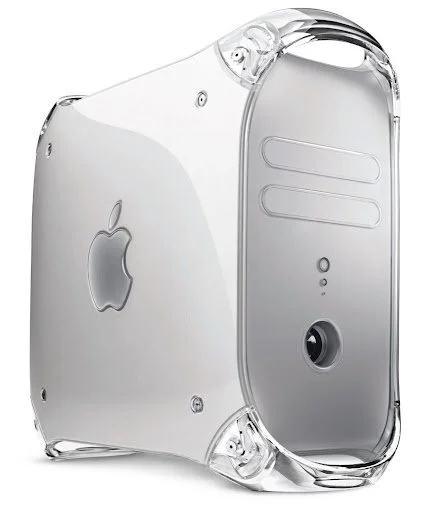 My old Mac G4 Tower looked like this!
This is the part nobody talks about when they romanticize digital preservation: before you can open the time capsule, you have to find something that still speaks the language.
Eventually I found both the optical drive and the Zip drive. The optical drive is still a work in progress — it connects but the discs won't mount on the newer iMac, which is a known compatibility issue with older disc formats and modern macOS. That one's still being sorted.
The Zip drive, though: that worked.
The Breakthrough
HFSExplorer and a Windows Machine
Zip discs from the late 90s are formatted for classic Mac OS — HFS format, which modern Windows doesn't natively understand. But a free tool called HFSExplorer bridges that gap, letting you read and extract Mac-formatted drives on a Windows machine without any risk of accidentally writing to or modifying the discs.
A USB Zip drive (250MB reads both sizes) · A Windows machine · Java installed · HFSExplorer (free, from catacombae.org/hfsexplorer) · Somewhere to put the files — a NAS, external drive, or local folder
Insert disc → Open HFSExplorer → File → Load File System From Device → Select the Zip drive → Load → Tools → Extract to Folder → Repeat for each disc
It worked on the first try. The disc mounted, the files were there, and I started extracting — keeping each disc in its own numbered folder on our NAS so I can sort through everything later without losing track of what came from where.
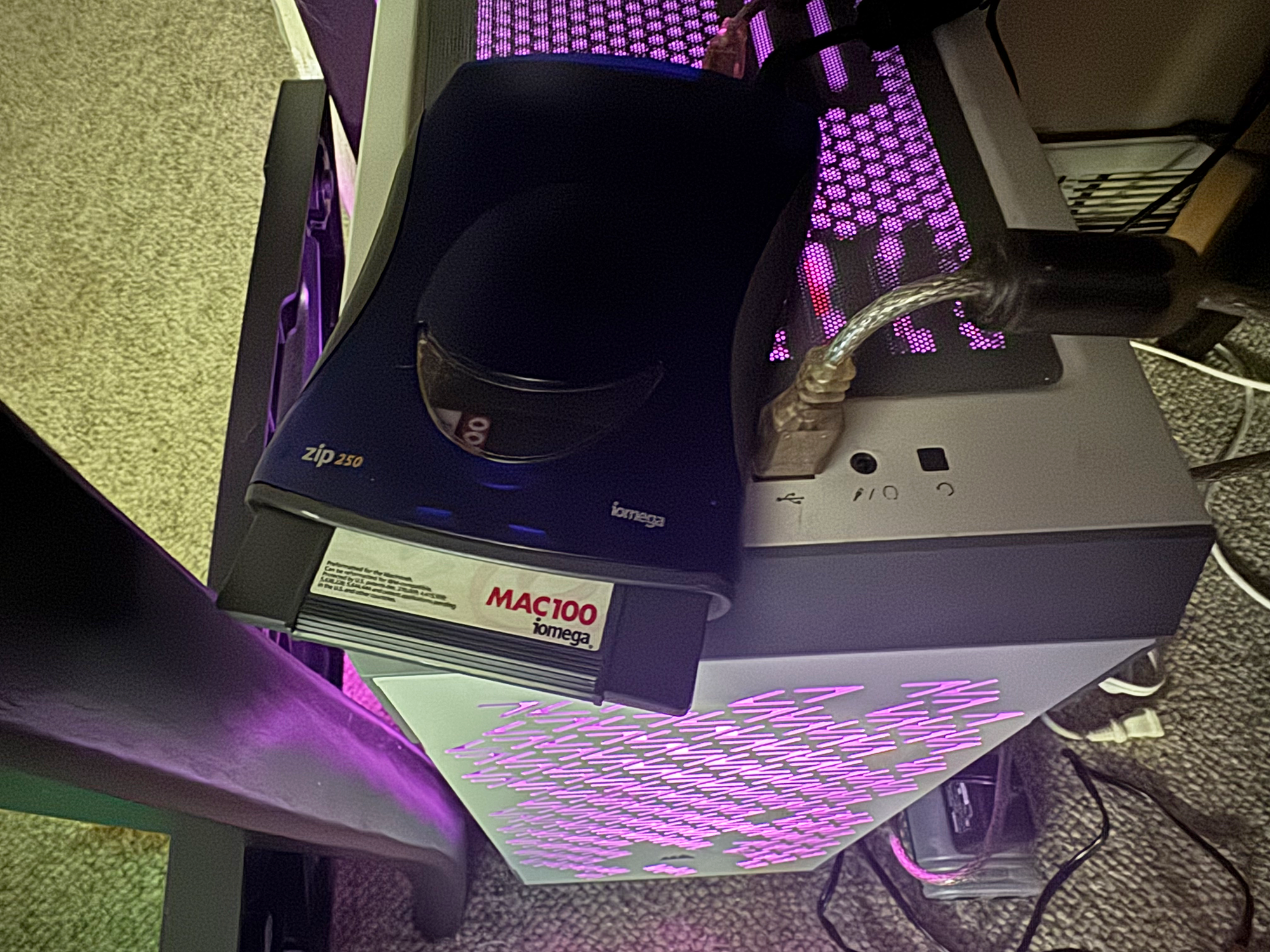 My digital gaming PC to the rescue, all pretty in pink!
There are a lot of discs. I'm not done yet.
First Look
What's Actually on Them
I'm still working through the stack, but here's what's turned up so far: old Photoshop files, personal photos including pictures of a 1992 Jetta I owned in another lifetime, and project files I haven't opened in over two decades. There are also what appear to be Retrospect backup sets on some of the CDs — a whole separate puzzle, since Retrospect used a proprietary format that needs its own software to restore.
The Photoshop files are the most immediately accessible. PSD format has been remarkably stable over the years — modern Photoshop reads files from that era without complaint. Whatever's in them should open.
The Director files on the CD-Rs are still waiting. That's the next chapter.
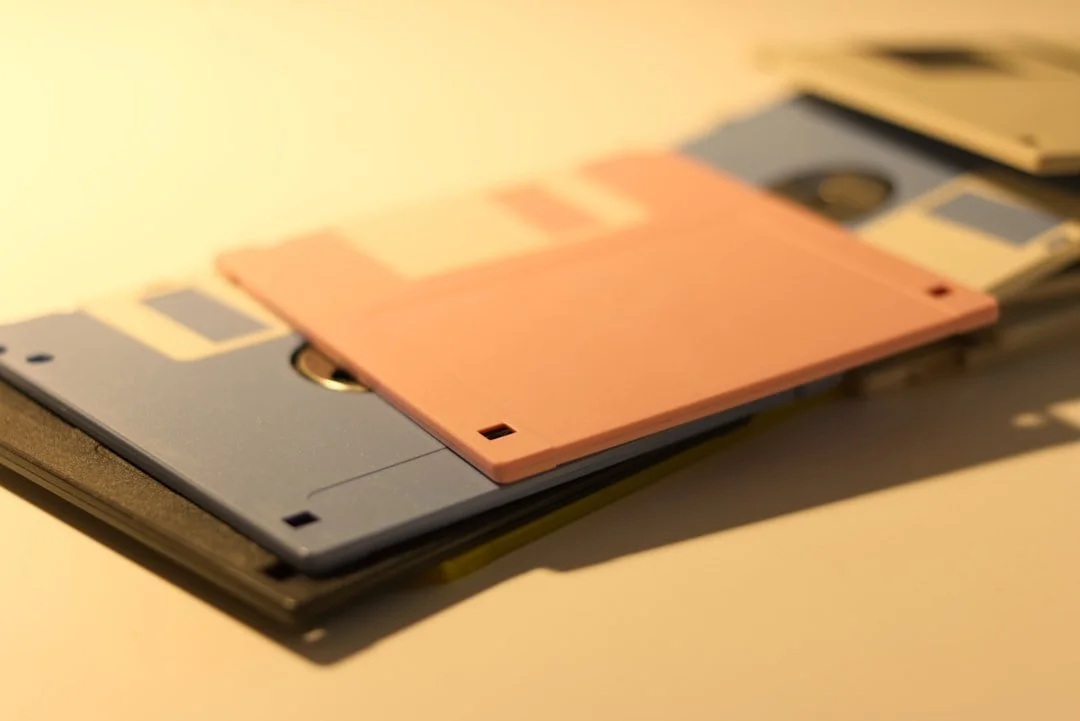 Stack of floppy discs.
What's Next
The CD-Rs Are Still to Come
The Zip discs are in progress. The CD-Rs are the main event — that's where the Director portfolio piece lives, and possibly the family project. Getting those mounted is still a work in progress between a few different machines and some legacy compatibility troubleshooting.
In the meantime I have a spiral-bound printed portfolio from the late 1990s sitting on my desk that I keep picking up and putting back down. It's bad in the way that things made with total sincerity and not enough experience tend to be bad. Which is to say it's also kind of great.
More on all of it soon.
This is Part 1 of the Time Capsule series — finding the media and getting it open. Part 2 covers what was actually inside.
